
On this page
When to backwash: compare pressure with your clean baseline
To backwash a sand or compatible DE pool filter, stop the pump, select Backwash, and run the manufacturer's specified cycle. Stop the pump before every valve change, rinse if required, and return to Filter; DE filters also need the specified replacement powder.
Backwash when pressure rises above your filter's clean baseline by the manufacturer's threshold, commonly about 8 to 10 psi. For example, a clean reading of 12 psi and an 8 psi cleaning threshold means action at 20 psi. A reading of 20 psi alone does not tell you whether a filter needs cleaning.
Compare readings at the same pump speed and valve settings. Changing either can make a clean filter appear dirty or hide increasing resistance. If the gauge does not return to zero with the pump off and pressure relieved, have it checked before relying on it.
After Santa Ana winds deposit leaves, dirt, and pollen, net out larger debris and empty the skimmer basket first. Recheck pressure after circulation collects the finer material, even if you recently backwashed. Surface debris alone does not trigger a backwash.
Before you start: identify the equipment and prepare discharge
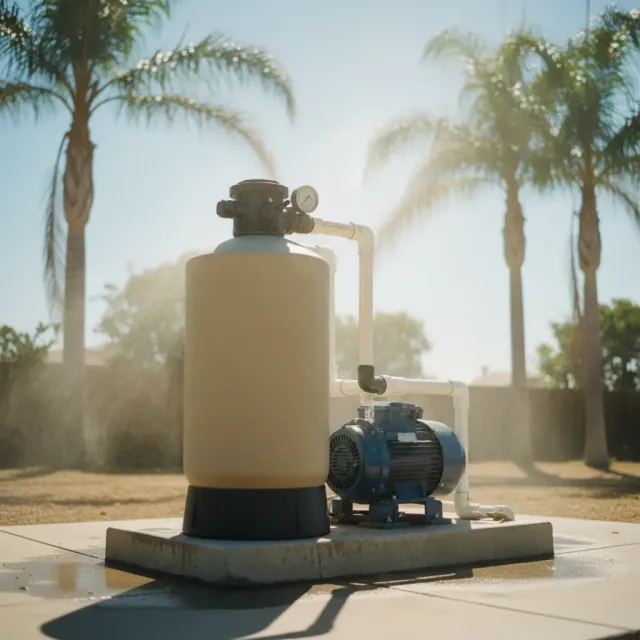
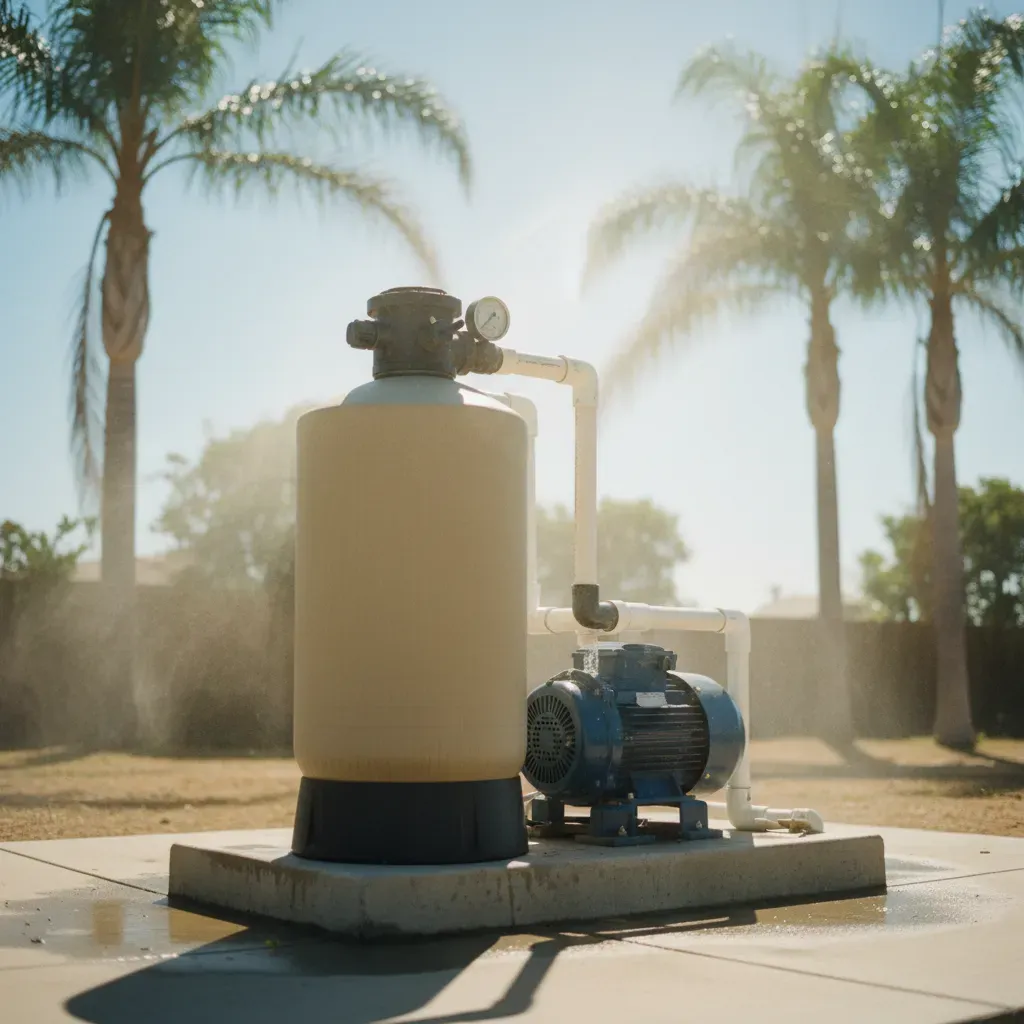
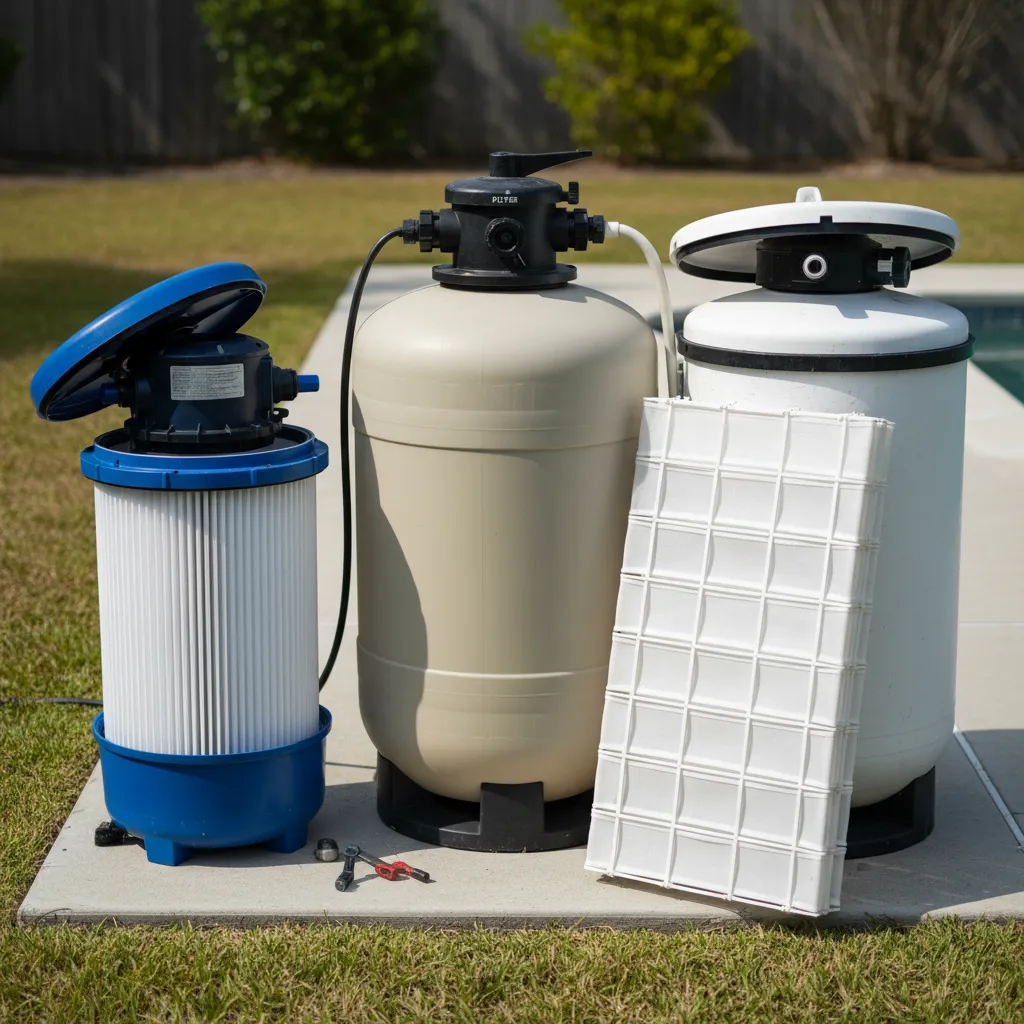
Photograph the filter label and find instructions for both the filter and its valve. Cartridge filters cannot be backwashed. Tank appearance alone does not identify the cleaning procedure.
| Equipment | Cleaning decision | What to prepare |
|---|---|---|
| Sand filter with multiport valve | Usually uses Backwash followed by Rinse | Model instructions and a secure discharge hose or line |
| DE filter with backwash valve | Requires its specific cycle and powder recharge | Correct DE product, measuring method, and recharge quantity |
| Push-pull valve | Uses marked positions rather than a multiport sequence | Instructions for its filtration position, backwash position, and locking procedure |
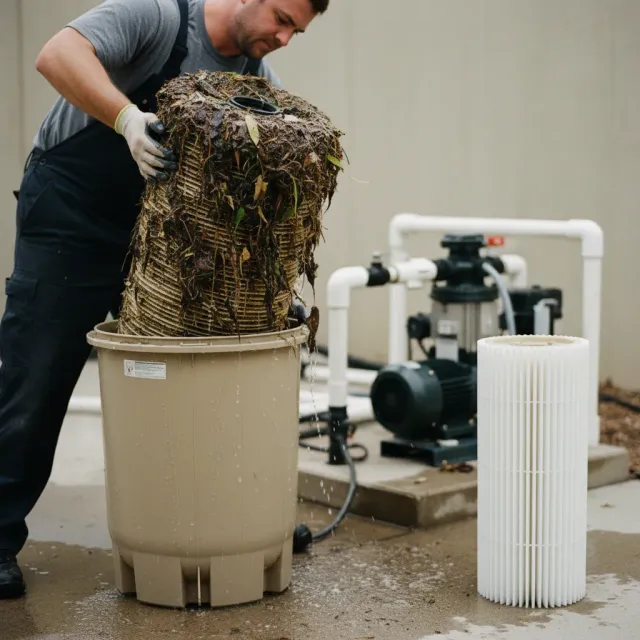
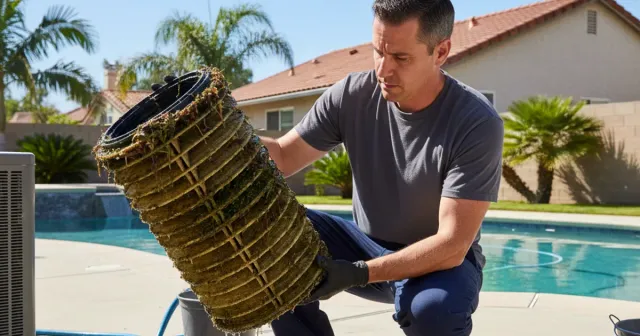
| Cartridge filter | Requires removing and cleaning the elements | The model's shutdown and element-cleaning instructions |
Confirm an acceptable discharge destination with your local wastewater provider before connecting the hose. For DE equipment, ask specifically about water containing spent filter powder. Secure the hose, straighten kinks, and keep its outlet where you can observe flow.
Check water level immediately before starting. Inland San Diego County heat increases evaporation, so yesterday's level may no longer be adequate. Begin with enough water to keep the skimmer supplied throughout the procedure, and refill first if the level is low.
Disable scheduled pump starts while changing settings. If the heater has been operating, follow its shutdown and cooldown procedure first. Keep the filter tank closed throughout backwashing; this procedure does not require loosening its clamp or lid.
Step-by-step: backwashing a sand filter
Use these steps for a sand filter with a multiport valve. For a push-pull valve, follow its marked positions and model instructions instead.
- Stop the pump completely. Wait for it to stop before pressing or turning the valve handle.
- Select Backwash. Seat the handle fully in its marked position. Never run the pump with the valve between positions or set to Closed.
- Restart and observe discharge. A typical sand-filter backwash takes about two to three minutes. Use your model's instructions and the sight glass to determine the endpoint. Stay beside the equipment and watch the pool level. Stop immediately if the skimmer draws air or discharge flow fails.
- Stop the pump and select Rinse. Restart for the specified rinse period, commonly about 20 to 30 seconds. Rinsing settles the sand and sends remaining dirty water to the discharge line.
- Stop the pump and select Filter. Restart according to the equipment instructions, including its prescribed air-release procedure. Stand clear of the filter during startup.
If the water level becomes too low before the cycle finishes, stop the pump and refill before continuing. Do not rely on a running fill hose to keep pace with discharge.
Once the specified cleaning endpoint is reached, stop backwashing. Extending the cycle to address persistent pressure wastes water if the cause requires inspection or internal cleaning.
Step-by-step: backwashing a DE filter
A DE filter needs fresh diatomaceous earth after backwashing to restore the coating that captures debris. Have the correct recharge amount measured before restarting filtration.
- Confirm the backwash and recharge instructions. Use the quantities and sequence for your filter model. The recharge after backwashing may differ from the amount needed after complete internal cleaning.
- Stop the pump and set the valve to Backwash. Follow the valve's positioning and locking instructions. Do not force a stiff handle.
- Run the specified backwash cycle. Watch discharge and water level throughout. Some DE models require repeated cycles. Stop the pump before every valve movement, and use Rinse only if your equipment instructions call for it.
- Stop the pump and return the valve to filtration. Follow the manufacturer's restart and air-release procedure, standing clear of the tank.
- Promptly add the prescribed DE recharge. Use the designated skimmer and the manufacturer's mixing and feeding instructions. Avoid breathing powder dust and follow the product label's handling precautions.
Do not copy a sand-filter routine onto a DE push-pull valve. Some arrangements have no Rinse position, and valve movements vary.
Do not guess the powder amount from tank size or use a universal percentage. Too little leaves the grids inadequately coated; too much can restrict flow. Backwashing also does not replace the filter's periodic internal cleaning.
After backwashing: check pressure, flow, and leaks
Restore the pool's water level, then check pressure at your normal comparison speed and valve settings. Record the reading after a successful cleaning. Check water chemistry after substantial replacement water has been added; normal filter pressure does not establish balanced water.
San Diego County's hard, mineral-heavy source water becomes more concentrated as pool water evaporates. Backwashing removes trapped particles but does not scrub mineral deposits from filter internals. If pressure remains elevated after a correct cycle, repeated backwashing may accomplish little.
| What you observe | What to do next |
|---|---|
| Pressure returns near baseline and circulation recovers | Save the reading and restore the normal operating schedule. |
| Pressure stays high | Confirm pump speed and valve positions. Arrange cleaning or inspection if the reading remains elevated. |
| Pressure is unusually low and returns are weak | Check pool level and the skimmer basket. Air entering the pump or a suction restriction needs a different diagnosis. |
| Pressure drops initially, then rises quickly again | Check whether debris is still entering the pool. If rapid pressure increases continue, arrange an inspection rather than repeating cycles indefinitely. |
| Sand or DE appears at the pool returns | Stop operation and have the filter and valve inspected before adding more media. |
| Water keeps leaving the discharge outlet in Filter mode | Shut the pump down and arrange a valve inspection. |
Our technicians confirm the next step after seeing the filter, valve, and operating pressure. For persistent pressure problems or DE equipment needing internal cleaning, schedule our San Diego pool filter cleaning service. Have the model photo, clean-pressure baseline, latest reading, and any DE recharge quantity ready so we can assess the problem.

Kyle Bowman
Founder of PoolLogic · CPO-Certified
Kyle is the Founder of PoolLogic Pool Service and a Certified Pool Operator (CPO) with deep expertise in pool service, water chemistry, and pool equipment repair. He oversees every aspect of PoolLogic's operations to ensure San Diego pool owners receive expert-level care.
Read morePool service done right
Need professional pool service?
PoolLogic Pool Service provides expert pool cleaning, maintenance, and repair services throughout San Diego County.