
On this page
- Overview
- Issue 1: Connectivity Problems
- Issue 2: Sensor Malfunctions
- Issue 3: Pump and Filtration System Failures
- Issue 4: Lighting and Water Feature Problems
- Issue 5: Software and App Glitches
- Preventative Measures to Avoid Common Issues
- Why Choose Professional Installation?
- Why PoolLogic San Diego?
- Frequently Asked Questions
Overview
Pool automation systems are designed to simplify pool maintenance, offering convenience and energy efficiency. However, like any advanced technology, they're not immune to occasional hiccups. From connectivity glitches to malfunctioning equipment, understanding common issues can help you troubleshoot effectively and maintain your system's performance.
This guide covers the most frequent pool automation problems homeowners encounter, along with practical solutions and tips on how professional services can prevent and resolve these issues.
Issue 1: Connectivity Problems
Symptoms
- The mobile app cannot connect to the automation system
- Delayed responses or commands not executing
- Loss of Wi-Fi signal to the system
Causes
Connectivity issues often stem from weak Wi-Fi signals, outdated firmware, or misconfigured network settings. Environmental factors, such as interference from nearby devices or physical barriers like walls and equipment enclosures, can also contribute to signal problems.
Solutions
- Check Wi-Fi Strength: Ensure the automation hub is within range of your router. If the signal is weak, consider installing a Wi-Fi extender to improve coverage near your pool equipment.
- Restart Devices: Reboot your router and automation hub to refresh the connection. This simple step resolves many connectivity issues.
- Update Firmware: Access the app or system settings to check for firmware updates. Install updates to address compatibility and performance issues.
- Reconfigure Network Settings: If all else fails, reset the system to factory settings and re-establish the network connection following the manufacturer's instructions.
Issue 2: Sensor Malfunctions
Symptoms
- Inaccurate water temperature readings
- Chemical levels reported incorrectly
- Alarms triggering without cause
Causes
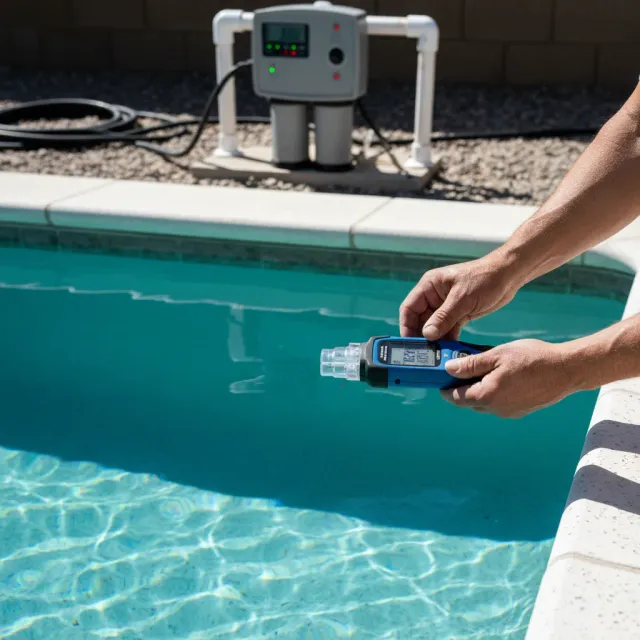
Sensor malfunctions are often due to dirt or debris buildup, worn-out components, or improper calibration. Environmental factors, such as extreme weather conditions, can also affect sensor performance and accuracy over time.
Solutions
- Clean Sensors: Remove and clean the sensors with a soft cloth and mild detergent. Avoid abrasive cleaners that could damage sensitive components.
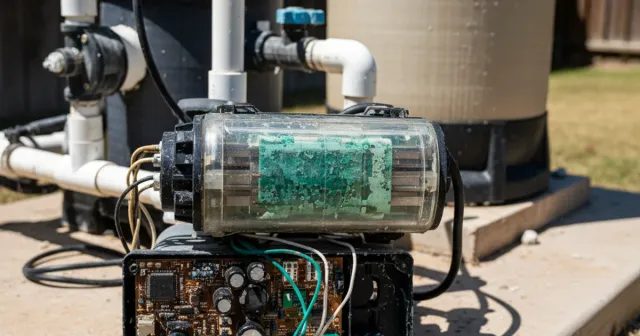
- Inspect Wiring: Ensure that sensor wiring is secure and free of damage. Replace any corroded or frayed wires that could cause intermittent readings.
- Recalibrate: Use the system's built-in calibration feature to reset sensors for accurate readings. Follow the manufacturer's guidelines for optimal results.
- Replace Faulty Sensors: If cleaning and recalibration don't resolve the issue, contact a professional to replace the sensors with new, properly calibrated units.
Issue 3: Pump and Filtration System Failures
Symptoms
- Pump not turning on or running intermittently
- Reduced water circulation or poor filtration
- Error messages related to pump operation
Causes
Pump and filtration issues often arise from clogs, electrical problems, or incorrect programming. Overworked equipment due to improper scheduling can also lead to premature failures and reduced performance.
Solutions
- Check for Clogs: Inspect the pump basket and filter for debris. Clean or replace as needed to restore proper water flow.
- Examine Electrical Connections: Ensure all wires are securely connected and free of corrosion. If necessary, reset circuit breakers that may have tripped.
- Review System Settings: Verify that pump schedules and settings are correctly programmed. Adjust run times and speeds to avoid overworking the equipment.
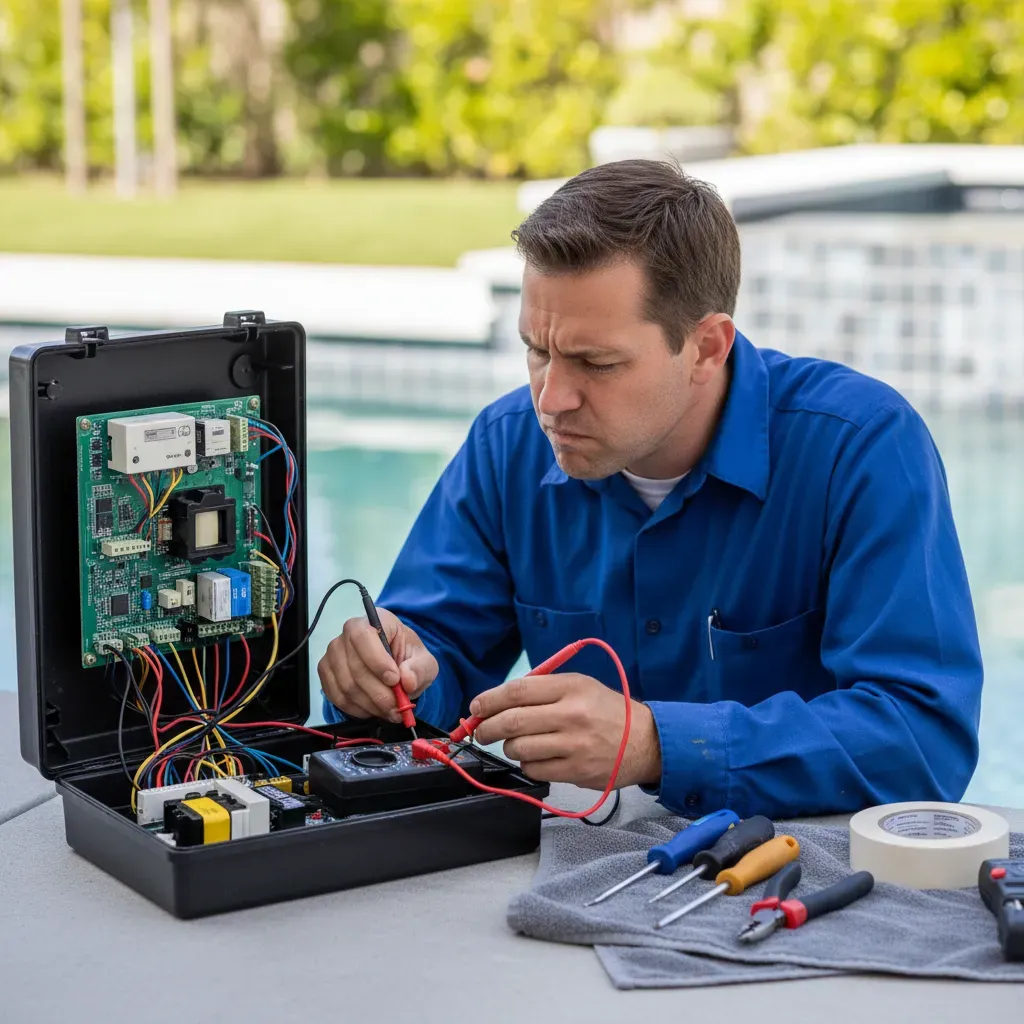
- Seek Professional Assistance: If the issue persists, a qualified technician can diagnose and repair electrical or mechanical problems that are beyond basic troubleshooting.
Issue 4: Lighting and Water Feature Problems
Symptoms
- Lights not responding to commands
- Inconsistent color changes or dim lighting
- Water features not turning on or operating erratically
Causes
These issues can result from faulty wiring, incompatible bulbs, or software glitches. For water features, low water pressure or blockages in the plumbing may also affect proper operation.
Solutions
- Inspect Wiring: Check for loose or damaged connections in the lighting and water feature circuits. Repair or replace as needed.
- Upgrade Bulbs: Ensure the lighting system uses compatible LED bulbs or fixtures. Replace outdated components with automation-compatible models for reliable performance.
- Reset the System: Restart the automation hub to resolve software-related glitches that may be causing erratic behavior.
- Clear Blockages: For water features, inspect pumps and plumbing lines for debris. Clean or replace components to restore proper flow and pressure.
Issue 5: Software and App Glitches
Symptoms
- The app crashes or freezes frequently
- Commands are delayed or not executed
- Missing features after an update
Causes
Software glitches are typically caused by outdated apps, incompatible devices, or bugs introduced during updates. Insufficient system resources on older smartphones or tablets can also lead to performance issues with the automation app.
Solutions
- Update the App: Check your device's app store for updates to the pool automation app. Install the latest version to resolve known bugs and improve compatibility.
- Restart Your Device: Reboot your smartphone or tablet to clear temporary issues and free up system resources.
- Reinstall the App: Uninstall and reinstall the app to reset settings and eliminate any corrupted files that may be causing problems.
- Contact Support: If issues persist after trying the above steps, contact the manufacturer's support team for advanced troubleshooting assistance.
Preventative Measures to Avoid Common Issues
The best way to deal with pool automation problems is to prevent them from happening in the first place. Here are key preventative measures:
- Schedule Regular Maintenance: Routine inspections by a professional can catch and resolve potential issues before they escalate into costly problems.
- Keep Software Updated: Regularly update your automation system and mobile app to access new features, security enhancements, and bug fixes.
- Clean and Inspect Equipment: Periodically clean components like filters, pumps, and sensors to maintain optimal performance and extend equipment life.
- Invest in Professional Installation: A certified technician ensures proper setup from the start, reducing the likelihood of errors, compatibility problems, and premature equipment failures.
Why Choose Professional Installation?
While some issues can be addressed with basic troubleshooting, professional installation and maintenance offer long-term peace of mind. Certified technicians provide:
- Seamless Integration: Professionals ensure your automation system works harmoniously with all existing pool equipment, preventing conflicts and compatibility issues.
- Expert Calibration: Proper setup and calibration minimizes the risk of sensor malfunctions, connectivity issues, and inaccurate readings from day one.
- Warranty Protection: Many manufacturers require professional installation to validate equipment warranties, protecting your investment against defects.
- Ongoing Support: Access to maintenance services and troubleshooting assistance ensures your system remains reliable throughout its lifespan.
Why PoolLogic San Diego?
At PoolLogic San Diego, we specialize in pool automation system installation and ongoing support. Our expert technicians bring deep expertise and a commitment to quality that sets us apart.
- Customized Solutions: We provide tailored recommendations to meet your pool's unique needs and your personal preferences.
- Reliable Installation: Our installations feature seamless integration and precise calibration for optimal performance from day one.
- Comprehensive Support: From installation to maintenance and troubleshooting, we're here every step of the way to ensure your system performs at its best.
FAQ
Frequently asked questions
What is a pool automation system?
A pool automation system is an advanced platform that integrates various pool functions, such as pumps, heaters, lights, and cleaning systems, into one centralized control system. This system allows pool owners to manage and automate operations through a mobile app, control panel, or smart home integration, offering convenience and efficiency.
How much does pool automation system installation cost?
The cost of installing a pool automation system varies depending on its complexity and the existing pool infrastructure. Our pool automation installations run $2,500 to $6,000, including equipment and professional labor. Additional expenses may arise if upgrades to pumps or plumbing are required.
What features can be automated in a pool?
Pool automation systems can manage a wide range of features, including pump and filtration schedules, heating and cooling controls, lighting customization and synchronization with water features, water quality monitoring and chemical balancing, robotic cleaning systems, and automation of spa jets and fountains.
How does pool automation save money and energy?
Pool automation systems reduce energy consumption by optimizing the operation of pumps, heaters, and other energy-intensive components. Variable-speed pumps use less energy by adjusting speeds for different tasks. Smart scheduling prevents equipment from running unnecessarily, and precise chemical dosing minimizes waste, leading to long-term cost savings.
Can I install a pool automation system myself?
While some systems are designed for DIY installation, professional installation is strongly recommended. Certified technicians ensure proper integration with existing equipment, compliance with local codes, and optimal system calibration. Professional installation also validates manufacturer warranties, protecting your investment.
What's the best pool automation system for my pool?
The ideal system depends on your pool's size, features, and specific needs. Leading brands like Hayward OmniLogic, Pentair IntelliTouch, and Jandy iAquaLink offer options tailored to different requirements. Consulting with a professional can help you select the best system for your pool setup.
How long does it take to install a pool automation system?
Most pool automation systems can be installed within 4 to 8 hours. The timeline may vary based on the system's complexity and the condition of your existing equipment. After assessing your pool, professional installers can provide a detailed estimate.
How do I control a pool automation system?
Pool automation systems are controlled via user-friendly mobile apps, tablets, or dedicated control panels. These interfaces allow you to adjust settings, monitor water quality, and schedule operations. Many systems also integrate with smart home platforms for voice-activated control.
Can pool automation be integrated with smart home systems?
Yes, many pool automation systems are compatible with smart home platforms like Amazon Alexa, Google Home, and Apple HomeKit. Integration enables centralized control, allowing you to manage your pool alongside other smart devices in your home.
How often do I need to update my pool automation system?
Pool automation systems typically require updates annually or as new software becomes available. Regular updates ensure optimal performance, security, and compatibility with emerging technologies. Consult your manufacturer or installer for specific recommendations.

Kyle Bowman
Founder of PoolLogic · CPO-Certified
Kyle is the Founder of PoolLogic Pool Service and a Certified Pool Operator (CPO) with deep expertise in pool service, water chemistry, and pool equipment repair. He oversees every aspect of PoolLogic's operations to ensure San Diego pool owners receive expert-level care.
Read morePool service done right
Need professional pool service?
PoolLogic Pool Service provides expert pool cleaning, maintenance, and repair services throughout San Diego County.